Install both apps
Little Talks is the child AAC app. Little Beacons is the parent or carer companion app.
Quick help for installing, pairing, Little Messages, local backups and the most common testing questions.
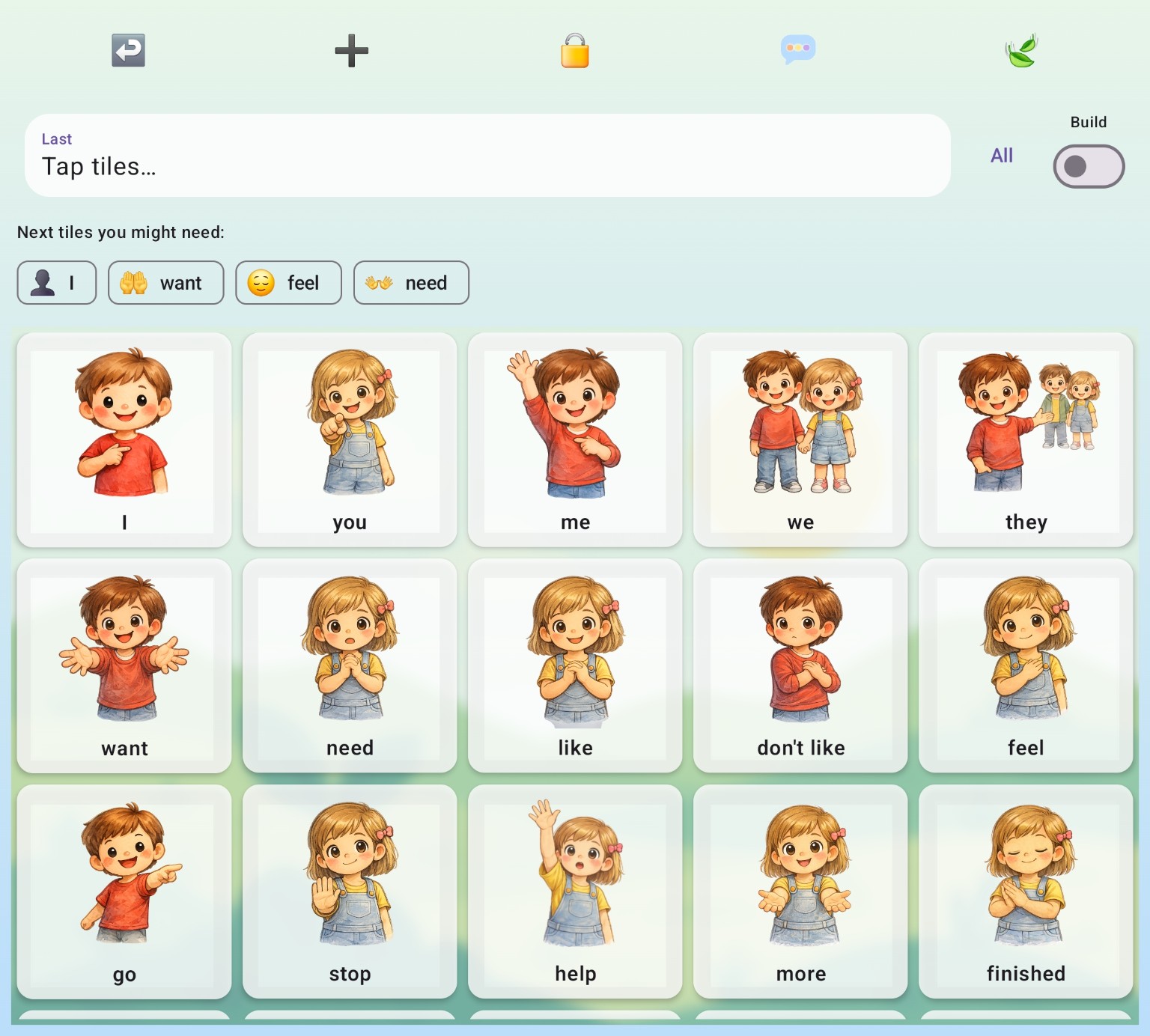
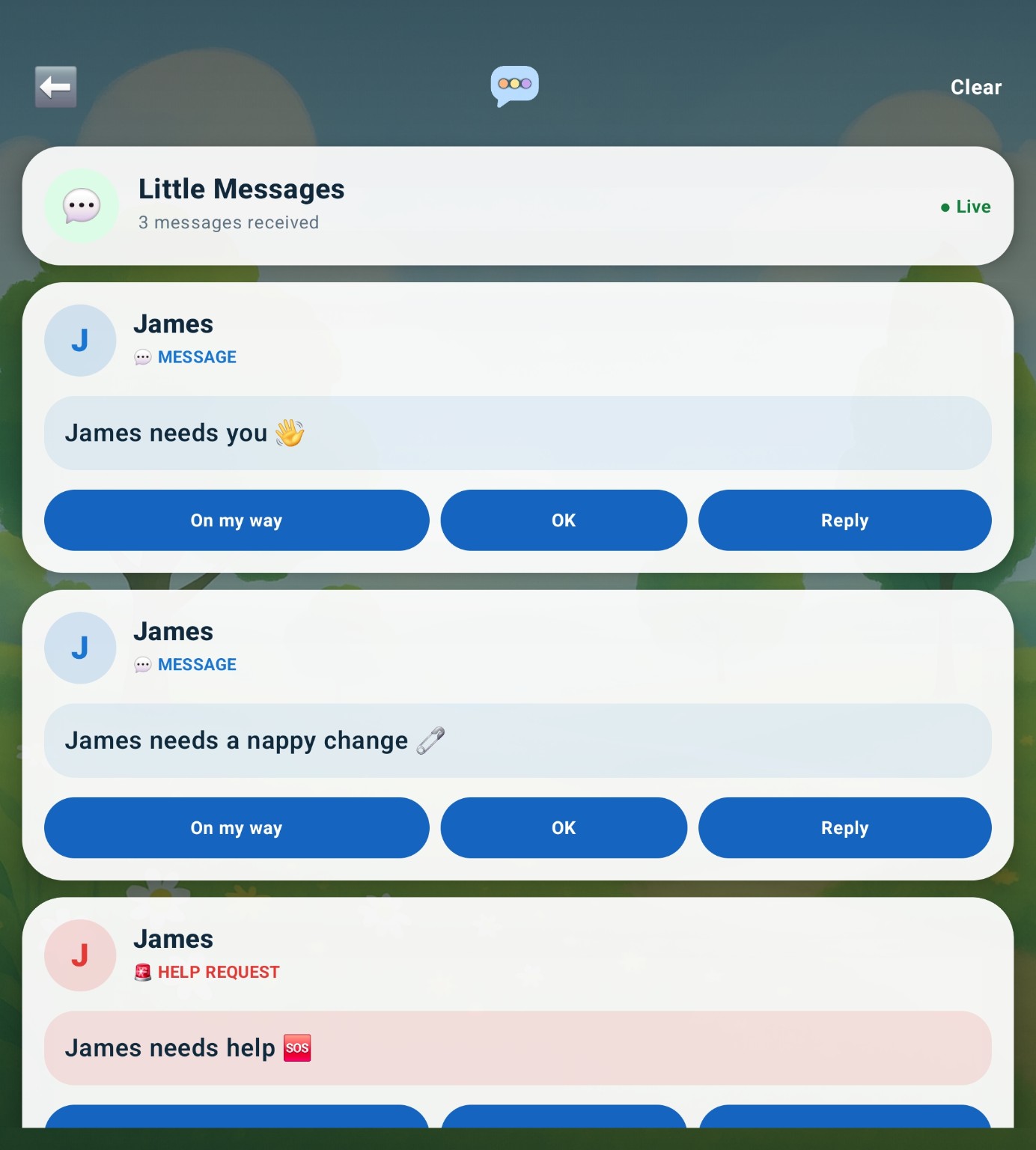
Little Talks is the child AAC app. Little Beacons is the parent or carer companion app.
The apps communicate locally over the same Wi‑Fi. No Little Talks cloud is needed for the connection.
Follow the in-app setup steps so Little Talks knows which Little Beacons device it should communicate with.
Send a preset request from Little Talks, receive it in Little Beacons and send a reply back.
Yes. That is useful for testing the Little Messages flow without needing two separate Android devices.
No. Little Talks and Little Beacons communicate locally between your own devices.
The child app can send a local snapshot to the paired Little Beacons device. The backup can include settings, tiles, images and recordings.
When enabled, Insights focuses on AAC usage patterns such as selections, vocabulary, prediction use and message length. Audio, location and unrelated device activity are not collected for Insights.
Yes. Individual tiles can use custom photos, and a familiar person can be represented with a real image alongside the built-in AAC artwork.
Yes. A parent or carer recording can be saved for an individual tile, with text-to-speech available as a fallback.
If something is not covered here, email support@littletalks.org.uk or use the contact page. Tell us what device you’re using and what happened.
Email Support